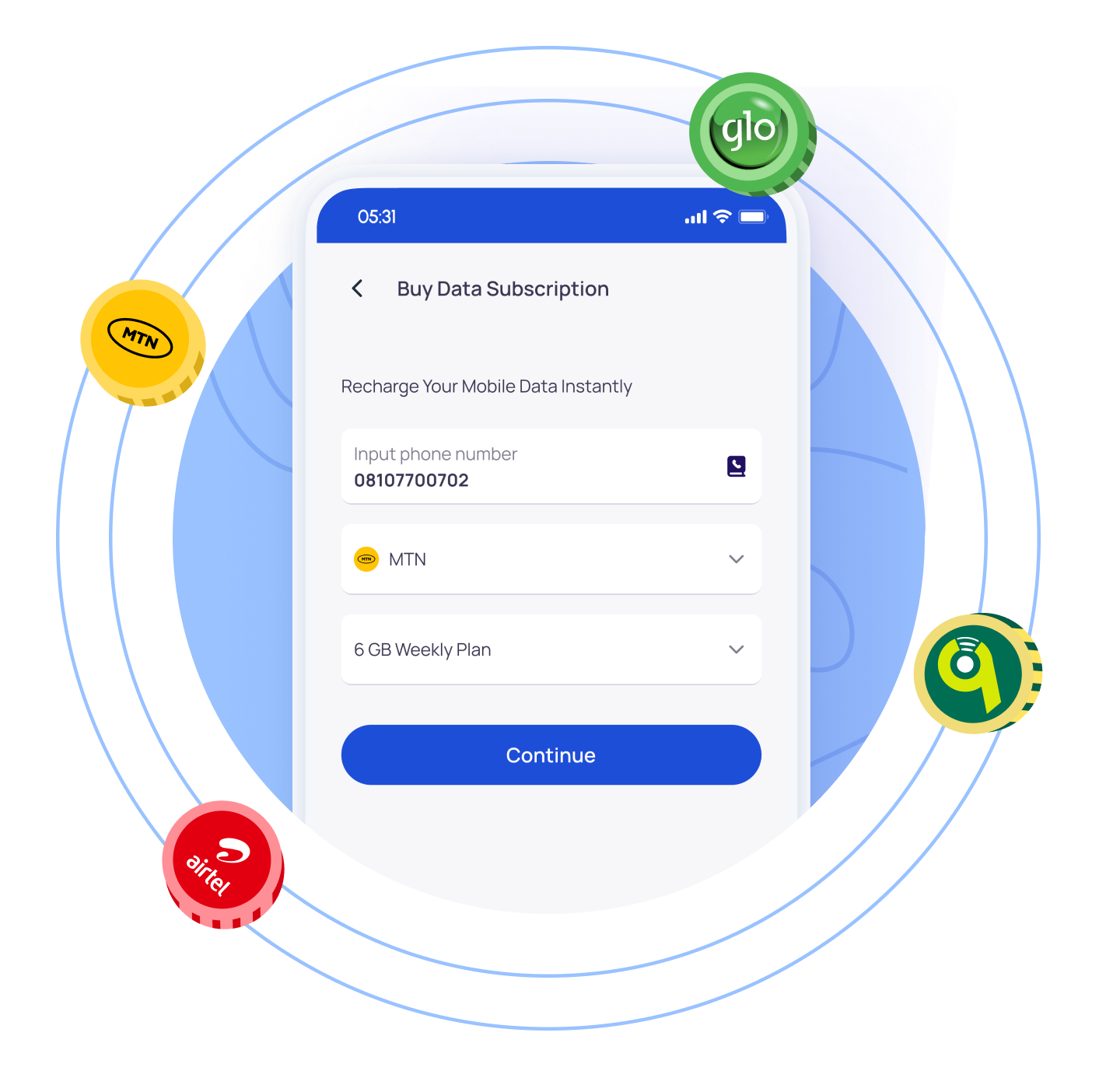
Buy and resell cheap data bundles online for all mobile networks (MTN, Glo, Airtel and T2 mobile) in Nigeria. Buy SME, Corporate and Direct data. Our data service is automated and instant delivery!
Open the App & Log In: Sign in to your account. Make sure you have enough balance in your paymita wallet.
Input Phone Number: Enter the phone number you want to buy data for and please double check it to avoid mistakes.
Choose Network & Data Plan: Select the mobile network (MTN, Airtel, Glo, or T2 Mobile), then pick your preferred cheap data plan.
Make Payment: Review the details and complete the payment. Your data will be delivered to your number instantly.
Join the community of thousands who rely everyday on Paymita cheap data plans. Get 1 GB for ₦299 today!